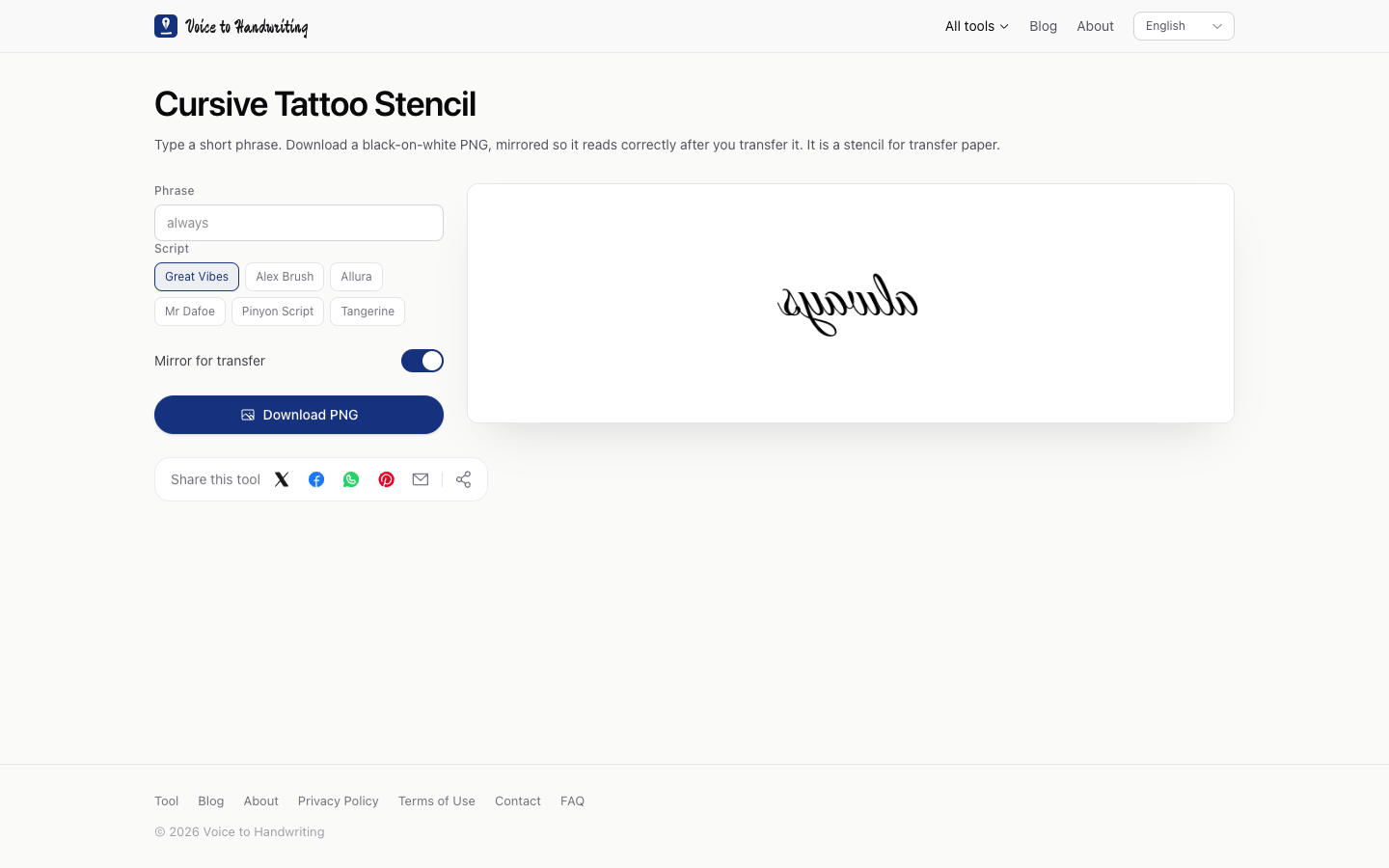
How to export a black mirrored stencil for transfer
Free, no signup, about ten minutes. The PNG is black lettering on white, flipped left to right, so transfer paper lays down a phrase you can read.
The file from this check
I checked this on desktop Chrome, macOS, October 10, 2026. The picture at the top of this page is that check: the phrase box still shows the placeholder always, Great Vibes is selected, and Mirror for transfer is on. The letters in the preview read backwards.
| Setting | Value |
|---|---|
| Page | Cursive tattoo stencil |
| Phrase | always |
| Script | Great Vibes |
| Mirror for transfer | On |
| Download | PNG |
The phrase box holds 42 characters. The scripts on the page are Great Vibes, Alex Brush, Allura, Mr Dafoe, Pinyon Script, and Tangerine, all SIL Open Font License models. The license text is here.
Steps
- Type the phrase. A short phrase stays large. A long line shrinks to fit the 900-pixel width of the stencil.
- Leave Mirror for transfer on when the next step is transfer paper. Turn it off when you want to read the phrase the way it will sit.
- Download the PNG. The ground is white and the letters are black. Print it, or hand the file to the person who runs the transfer.
What this page leaves out
The mirror is a horizontal flip of the letters. The preview stays on a white rectangle. A photo of skin, a shop stencil printer, and a drawing of someone's handwriting are other jobs. The phrase stays in the browser.
Before you print, turn the mirror off once and read the spelling. Then turn it back on for the file you transfer. If you want to compare scripts on a name you will sign by hand, that drill is the signature practice sheet.