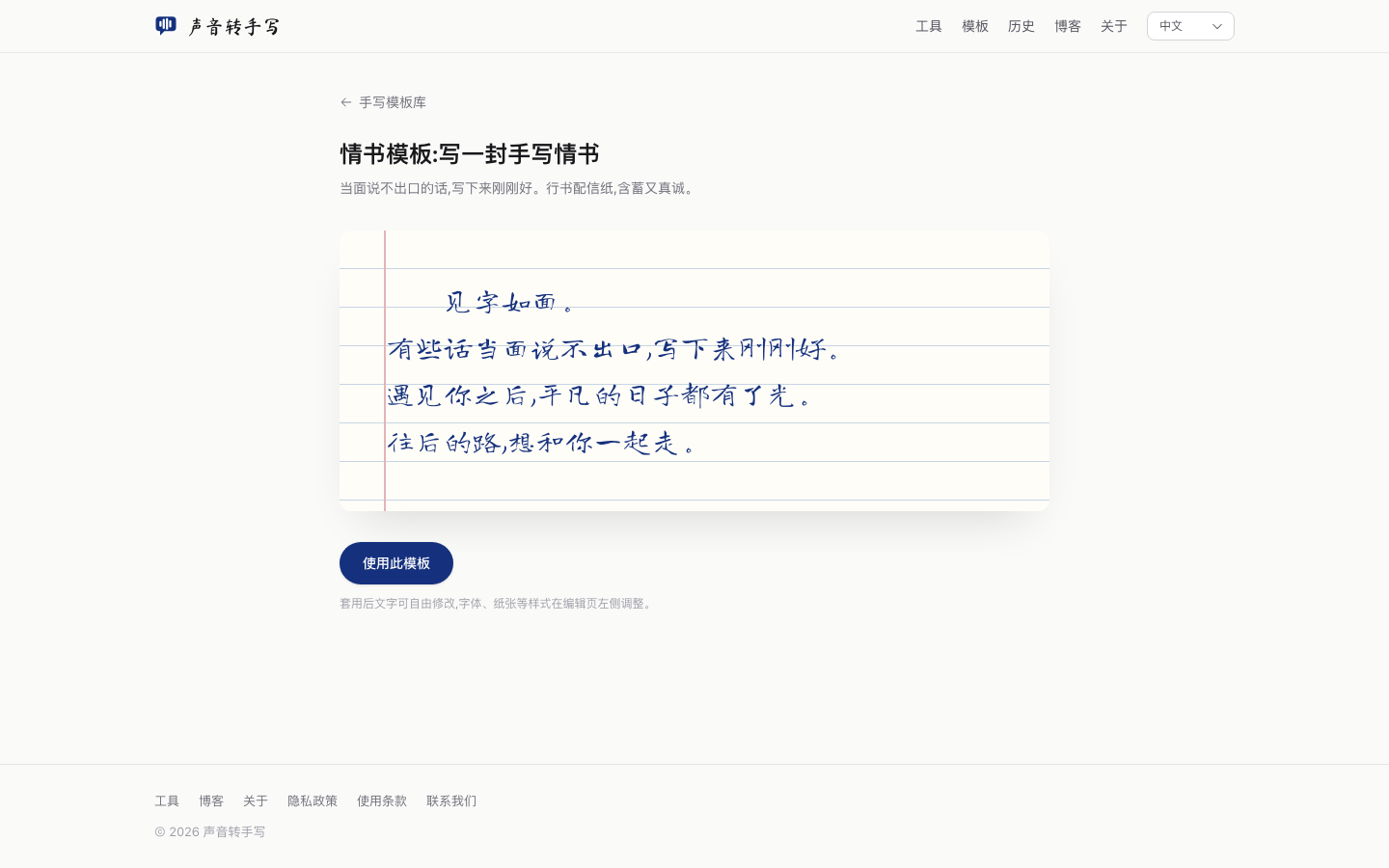
Write a greeting card with your voice in 3 minutes
The lamp is still on. One sheet, folded once, blue-black ink. Say one of these before you turn it off.
Say one of these
- For parents: "Wishing you health and peace. We'll come visit often."
- For a friend: "Another year — may every effort pay off, and everything you want still be within reach."
- For a partner: "Seeing these words is like seeing me. Thank you for this year, and every year ahead."
- For colleagues: "Grateful to be on this journey together. Here's to what's next."
A handwritten line still lands differently from a typed one. If the writing you want on the paper isn't the writing your hand makes tonight, speak the lines into the voice to handwriting tool.
Print it
- Open the tool, tap "Tap to speak", allow microphone access;
- Say the card message at a normal pace — the text appears as you talk, and you can fix any word right in the editor;
- In the style panel pick Ma Shan Zheng, paper Letter, ink blue-black or vermilion;
- Hit "Export PNG" for an image, or "Export PDF" to print. When printing, choose actual size so the printer doesn't shrink the line spacing.
If the strokes look too even, set realism around 50–70% and tap "Shuffle strokes" once or twice. Keep the variation that still looks like one person.
FAQ
The print looks small? Raise the font size above 32px before exporting.
Mixed English? Just speak it — English renders in the handwritten Caveat style.
Sending to a phone? The exported PNG works as-is in any messaging app.
Tested, with honest limitations
Every step was tested on desktop Chrome (macOS, October 2026); screenshots are from real runs. What you should know:
- Speech recognition is provided by the browser vendor (Chrome uses Google's service); quality varies with environment, accent and microphone. Always proofread important text;
- Audio-file transcription downloads an ~80MB model on first use, then works offline;
- We collect no text or audio — see the Privacy Policy.
Technical reference: MDN · Web Speech API.
People also ask
- How do I make a handwritten card? Pick one of the four notes above, speak it on the tool, then export PNG or PDF.
- Can I use the card images commercially? Yes. Generated images belong to you; fonts are SIL OFL licensed.
- Can I send a handwritten card if my handwriting is bad? That's the point — the tool renders handwriting-style text for you. Just don't impersonate another person's writing (see Terms).